Building Your MVP with Lovable
How to ship a web MVP quickly with Lovable and when to pair it with mobile tools.
FlutterFlow lets founders launch cross-platform mobile apps without writing Dart from day one, while AI assistants fill the gaps for custom logic and integrations. This guide covers a practical stack for mobile-first MVPs in 2026.
4 min read
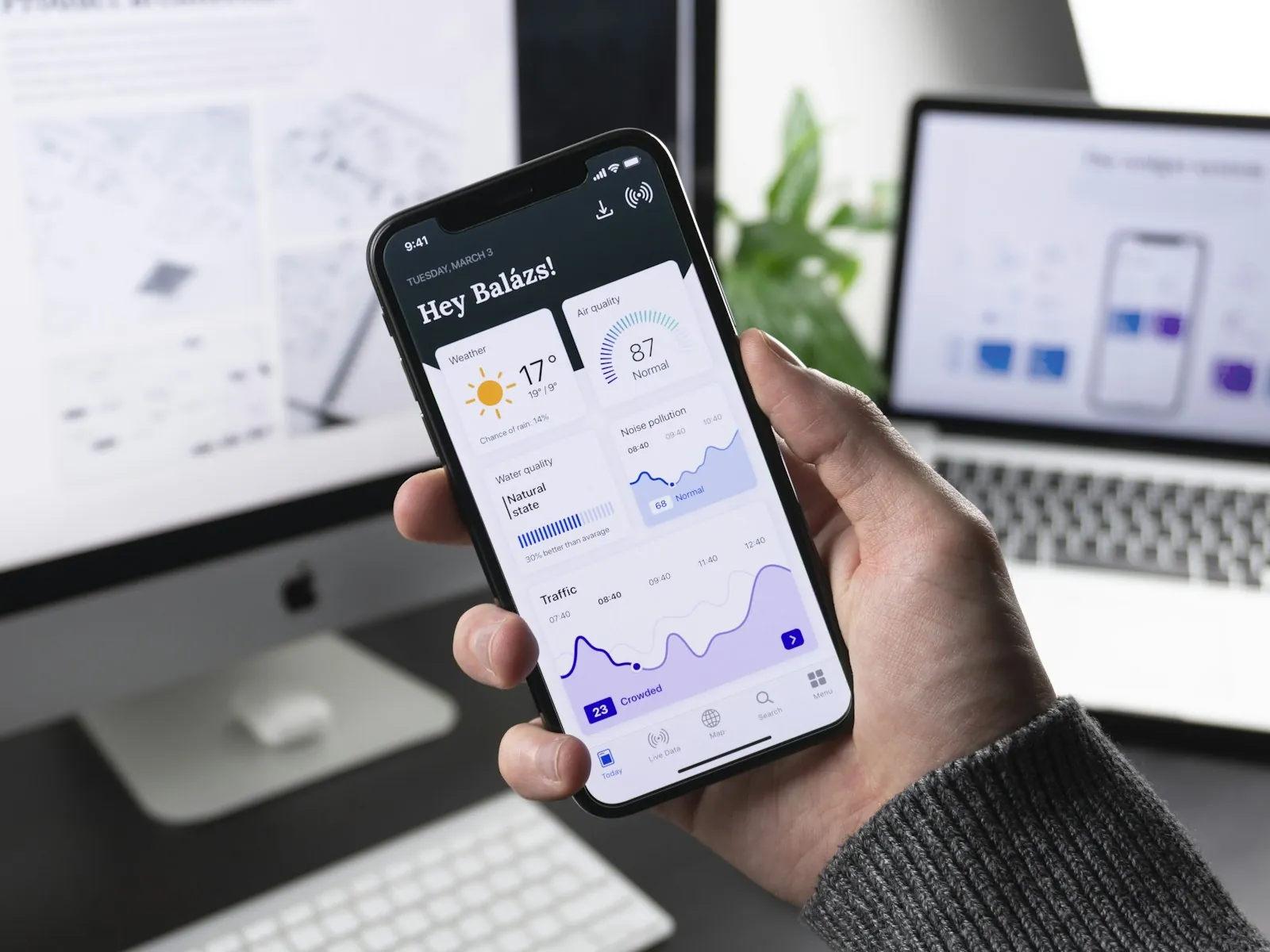
Consumer and prosumer startups often need a native-feeling mobile experience before they need a full web platform. FlutterFlow accelerates that path by providing a visual builder on top of Flutter, exporting real source code you can extend later. You get App Store and Google Play deployment without hiring a mobile team on day one.
FlutterFlow sits alongside web-first builders like Lovable in the no-code spectrum, but optimizes for mobile patterns: navigation stacks, push notifications, camera access, and offline-friendly layouts. If your validation plan requires users to install an app—not just visit a landing page—FlutterFlow deserves a serious look.
FlutterFlow handles UI and standard integrations well. Custom business logic, complex API transformations, and niche SDK integrations often require code. That is where AI coding tools enter the workflow. Use Cursor or Windsurf to write custom Flutter actions, debug build errors, and implement packages FlutterFlow does not expose visually.
A typical hybrid workflow looks like this:
This mirrors the code export philosophy behind graduating from Lovable to a real codebase—start visual, add code surgically, retain ownership of the output.
Mobile MVPs still need a backend, auth, and analytics. Pair FlutterFlow with Supabase or Firebase for authentication and realtime data, Stripe for payments via custom actions, and PostHog or Mixpanel for event tracking. Keep the backend as simple as possible until retention data justifies complexity.
Align your infrastructure choices with the broader patterns in The 2026 Agentic MVP Tech Stack. The frontend builder changes; the principles of managed services, serverless functions, and aggressive scope cutting do not.
Founders on a zero budget should read our $0 Tech Stack for AI Startups guide. FlutterFlow's free tier supports prototyping, and Firebase's spark plan covers early user volumes without upfront cost.
FlutterFlow trades maximum flexibility for delivery speed. Complex animations, heavily customized widgets, or deep native module integration may fight the visual editor. Recognize these boundaries early during your idea validation phase so you do not promise UX your toolchain cannot deliver in two weeks.
Use AI for repetitive tasks FlutterFlow cannot automate: writing API client classes from OpenAPI specs, generating test fixtures, documenting custom actions for your team, and translating Figma spacing tokens into Flutter theme extensions. Prompt with your exported file structure attached so the model understands your project layout.
When integrating AI features—chatbots, image classification, voice input—FlutterFlow's custom action layer connects to OpenAI, Gemini, or your own endpoints. Follow the same guardrails we recommend for web MVPs in Ship an MVP in 2 Weeks: ship a thin AI slice, measure engagement, then expand.
Mobile MVPs fail review for predictable reasons: missing privacy policies, broken login flows on physical devices, and placeholder content. Budget time for TestFlight and internal Android testing before public submission. AI can generate your privacy policy draft, but a human must verify it matches your actual data collection.
Automate smoke tests on critical paths: signup, core action, payment if applicable, and logout. Flutter's integration test framework works on exported FlutterFlow projects. Ask your AI assistant to scaffold these tests early rather than bolting them on pre-launch.
Graduate to pure Flutter or add dedicated mobile engineers when custom code exceeds roughly thirty percent of your codebase, when build times block iteration, or when you need platform channels FlutterFlow does not support. The export model exists precisely for this transition—you are not locked in, but you must plan the migration before technical debt compounds.
Web-first teams that started with Lovable face a similar decision. Mobile adds app store friction, but the strategic question is identical: stay on the visual builder while speed matters, move to code when differentiation requires it.
Define one core user journey—signup to first value—and build only that in FlutterFlow. Connect a real backend, deploy to TestFlight, and put it in front of five target users. Everything else is distraction. Mobile MVPs win or lose on whether users return after the first session, not on feature count.
Yes for iOS and Android from one codebase when UI complexity is moderate and you accept platform export limits.
Agents draft screens, copy, and Firebase rules—humans still own store submission and privacy compliance.
When you need custom native modules, complex offline sync, or performance tuning agents cannot safely automate.
Ready to ship faster? Let's talk about your product goals.